CTR · Company tax returns
Company tax returns with the whole job in one record.
Prepare the company return against the official ATO form structure, keep franking, losses and capital-allowance schedules beside the return, and move it through preparer, reviewer and partner sign-off without leaving the workspace.
Registered Tax Agent use only. Confirm practice eligibility and lodgement authority before transmitting any return.
Step 1
Structured preparation
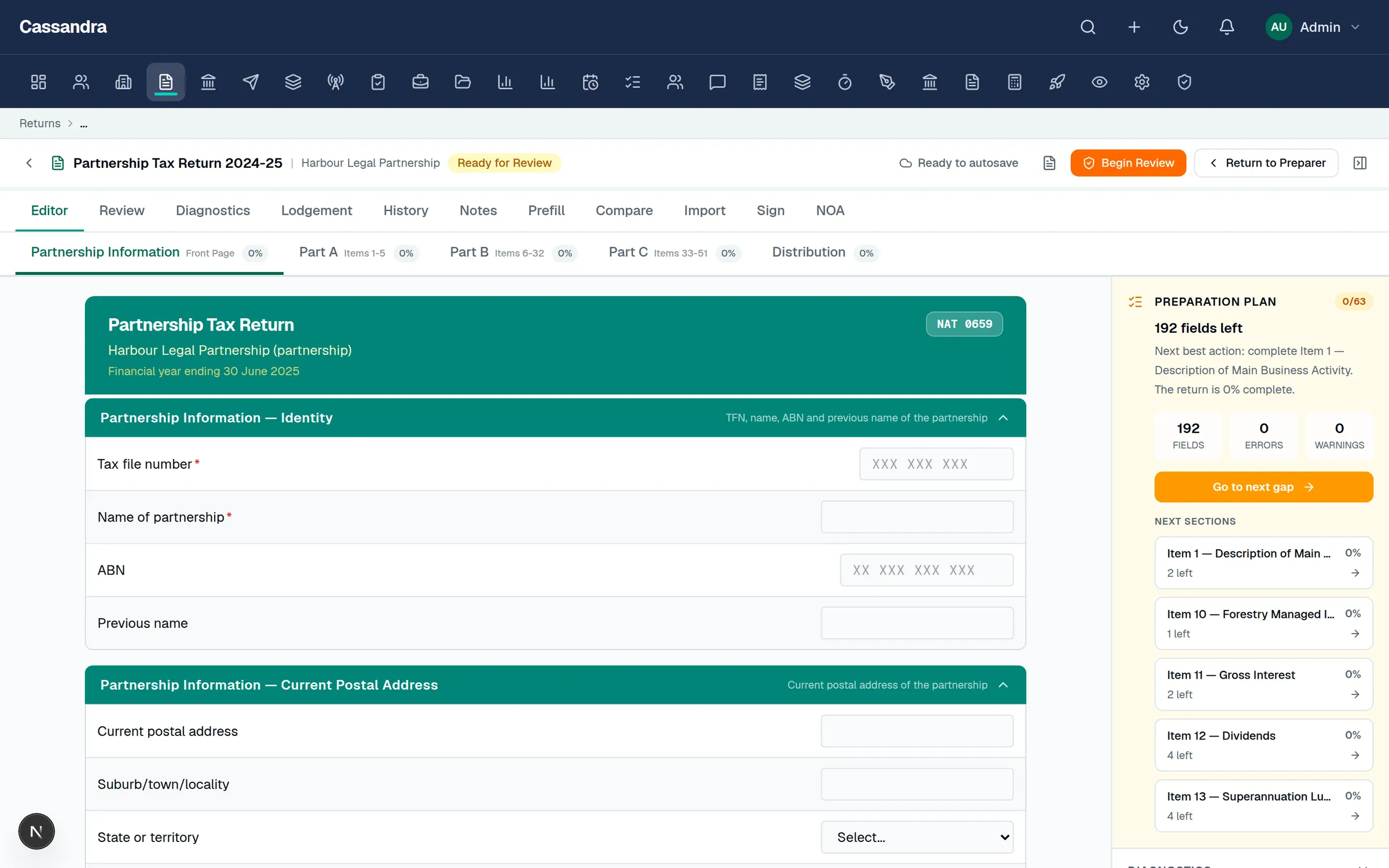
The company return editor follows the ATO form layout — income, expenses, reconciliation items, and the calculation statement — with auto-save, field diagnostics, and completion tracking.
Step 2
Schedules attached to the return
CGT, losses, capital allowances, R&D and international dealings schedules stay linked to the same job record as the source documents and workpapers that support them.
Step 3
Review with evidence
Reviewer notes, sign-off status, tax-aware review hints, and an auditable history sit on the return, so partner review starts from the evidence rather than a separate checklist.
Step 4
Signature to lodgement readiness
Generate the declaration pack, collect digital signatures, and track the return through the lodgement-readiness controls. Lodgement-readiness controls, SBR transport configuration, and EVTE conformance status are visible in-product; external ATO approvals and enabled interactions are published with explicit boundaries in the Trust Center.
What is covered
- Company tax return (CTR) editor informed by the official ATO message structures, with multi-year form coverage in the ATO Forms catalogue
- Dividend/franking, losses, capital allowances, CGT and IDS schedule patterns
- Ledger import from Xero, MYOB AccountRight, QuickBooks Online or spreadsheets to support preparation
- Draft validation against the official ATO schema and validation-rule packages where mounted
Company tax returns: common questions
Which company return years are covered?
The workspace ships native company form definitions for current years and an ATO Forms catalogue covering CTR message structures across prior years, each marked with its runtime and validation-rule readiness.
Can I import the trial balance?
Yes — connect Xero, MYOB AccountRight or QuickBooks Online, or import a spreadsheet, and normalise ledger data for preparation support.