PTR · Partnership tax returns
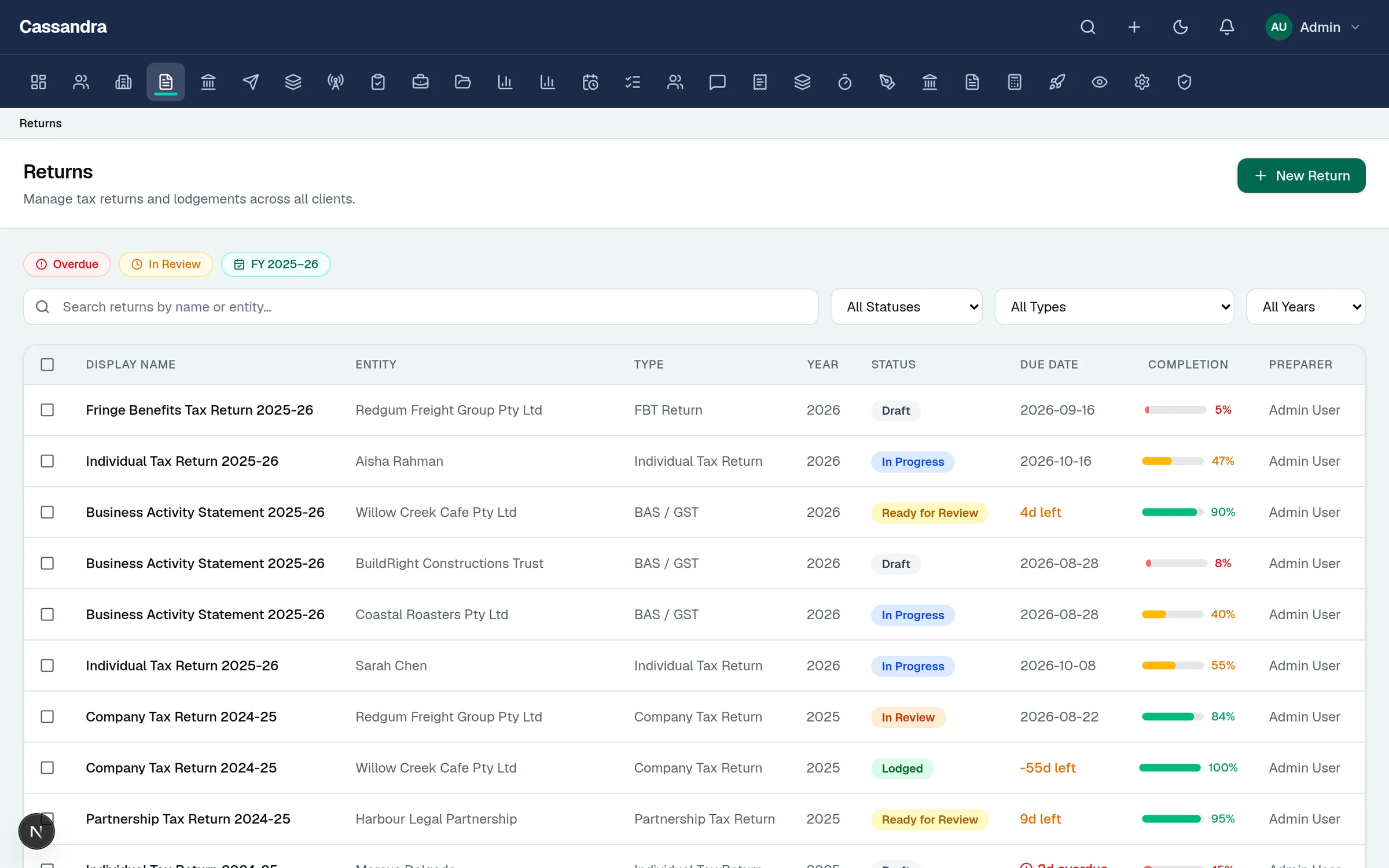
Partnership returns with every partner's share accounted for.
Prepare the partnership return with its business and professional items, then distribute income, credits and small-business amounts to each partner as structured statement rows.
Registered Tax Agent use only. Confirm practice eligibility and lodgement authority before transmitting any return.
Step 1
Business items in ATO structure
Income, expense and reconciliation items follow the official form layout with diagnostics and completion tracking.
Step 2
Partner distribution statements
Each partner's share of income, credits for tax withheld, and small-business income are structured rows that reconcile to the return.
Step 3
Working papers beside the return
Ledger imports, depreciation and evidence documents stay linked to the same job record for review.
Step 4
Sign-off to readiness
Digital signatures and lodgement-readiness controls complete the job. Lodgement-readiness controls, SBR transport configuration, and EVTE conformance status are visible in-product; external ATO approvals and enabled interactions are published with explicit boundaries in the Trust Center.
What is covered
- Partnership tax return (PTR) editor informed by the official ATO message structures
- Structured partner distribution statements
- Business and professional items, key financial information, and TOFA items
- Ledger import from cloud accounting systems or spreadsheets
Partnership tax returns: common questions
Can partner shares be validated?
Partner rows are structured fields — identity, share percentages and distributed amounts — so review works from validated data rather than attachments.