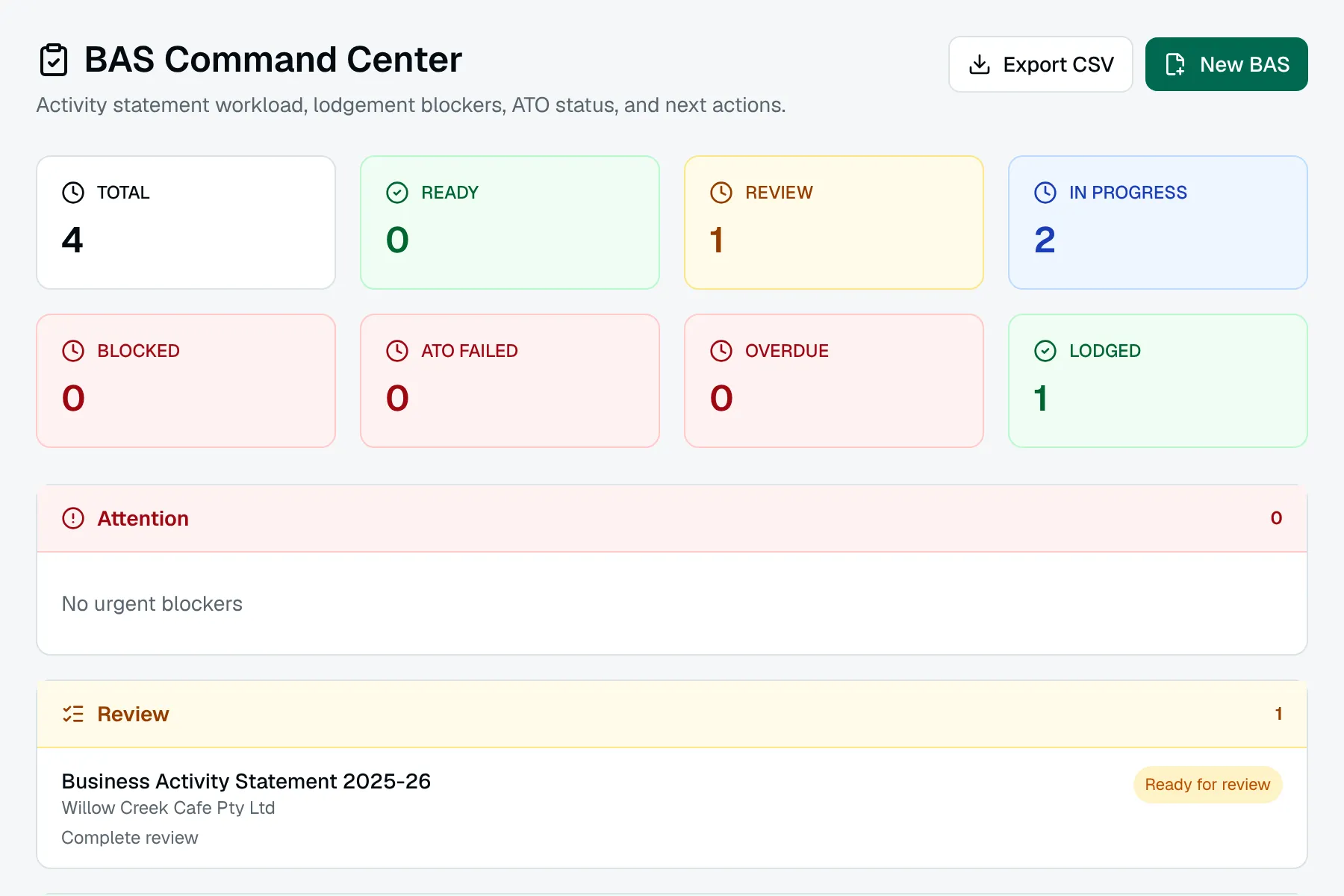
The BAS command centre
The command centre counts statements that are ready, in review, in progress, blocked, overdue or lodged, and lists each one with its entity, period, due date, completion, diagnostics and the next thing that has to happen: complete the labels, complete the review, or lodge. You can export the queue to CSV, and separate panels show blocked statements and any ATO responses.
Preparing the statement
The editor follows the activity statement form. You choose the GST reporting option (full reporting, Simpler BAS or a GST instalment), then complete the sections that apply:
- GST, with the GST calculation worksheet for full reporting. The worksheet takes GST-inclusive amounts, works through G4 to G20 with its own formulas, and shows the figures to transfer to 1A and 1B. It is kept as a workpaper and is never lodged.
- PAYG withholding: W1, W2, W4 and W3, with W5 totalled for you.
- PAYG income tax instalments, using the amount or the rate, with variation reasons from the ATO's list.
- FBT instalments, when the statement includes one.
- The amounts you owe the ATO and the amounts the ATO owes you, summarised from the sections above.
A revision can be prepared against an original statement. The BAS guide covers each section step by step.
Review before anything leaves the practice
A statement moves from preparer to reviewer like any return. The reviewer sees the diagnostics, approves or returns it with comments, and only then can the client be asked to sign. The approval and the client's declaration are both bound to the exact figures approved, so a late change sends the statement back through review.
Working through a quarter
Each statement also appears in the work list and on the deadlines page with its due date and the person assigned, so the BAS queue sits beside the practice's annual returns rather than in a separate tool. Tasks can be linked to the client for anything that needs chasing, such as missing source documents.
Where the ATO fits
Cassandra Research Pty Ltd has asked the ATO for production access to three activity statement services: submitting a statement, retrieving one, and listing a client's lodgement obligations. That request has not been granted yet, and no business message has yet been accepted by the ATO's test environment. Until it is, statements are prepared and approved in Cassandra Tax and lodged through your existing channel.
BAS and activity statements: common questions
Which periods can I prepare?
The same reviewed BAS and IAS editors are used for periods in FY2025, FY2026 and FY2027.
Does Simpler BAS hide the full GST labels?
The editor shows the labels that apply to the reporting option you choose. The GST calculation worksheet is offered for full reporting.
Can I lodge a BAS from Cassandra Tax today?
No. Production access for activity statements has been requested from the ATO and is not yet granted, so lodgement stays with your existing channel.